Song Battles
2–8 players
The main music-quiz format: submitted tracks, timed previews and a speed-based score.
See how Song Battles worksEveryone picks a track. Everyone has to guess.
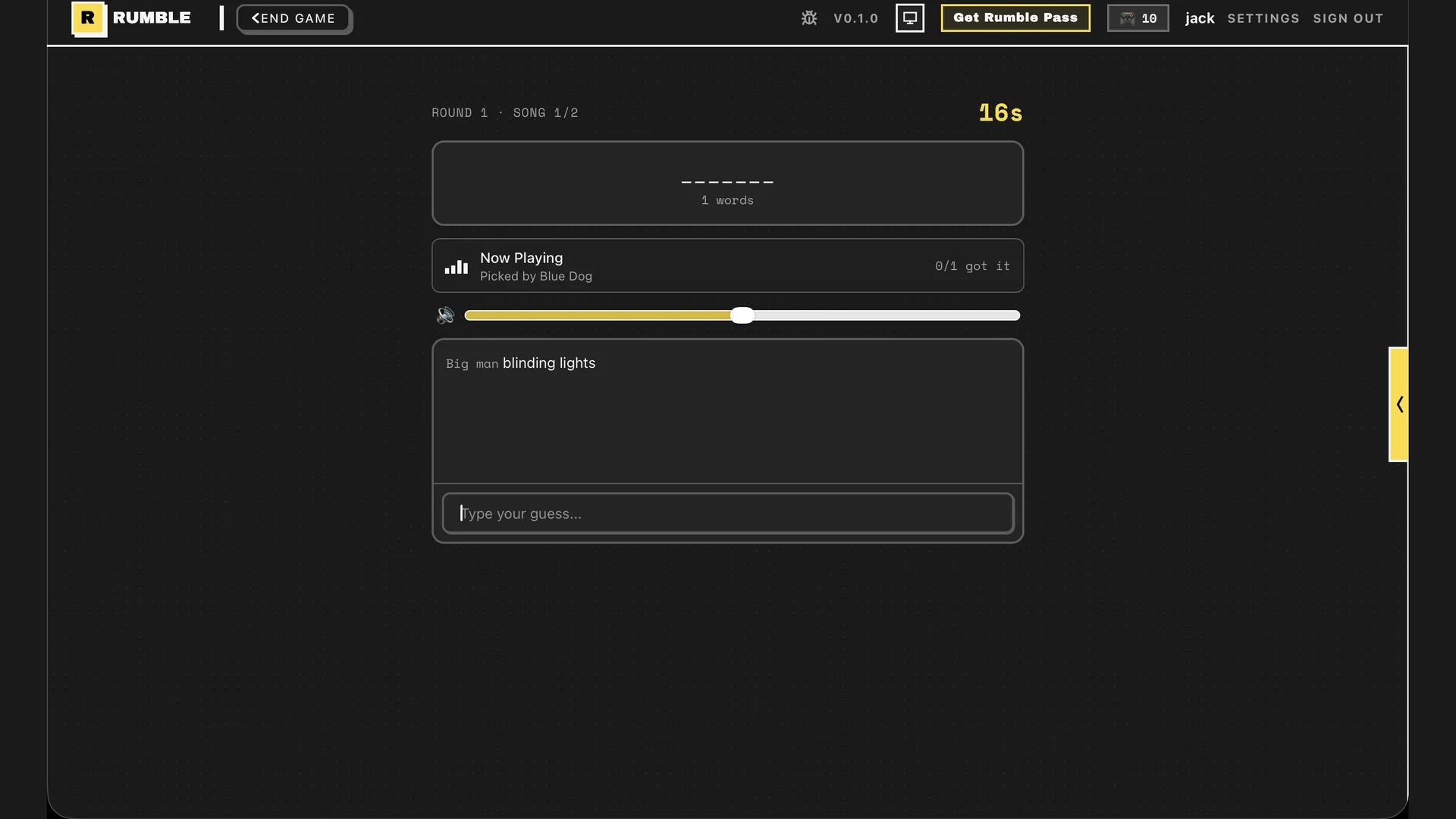
Song Battles turns your group's music taste into the quiz. Players find and submit tracks inside the game, then race to identify each song from a 30-second preview. Fast correct answers score more points.
Quick answer
Song Battles works best with 2-8 players and needs no prepared question sheet. Give everyone enough time to pick tracks, keep the call open, and use the first round to agree how strict spelling should be.
Launch Rumble in Discord and choose Song Battles for a 2-8 player lobby.
Each player searches for and submits a track. The game builds the round from those choices.
Listen to each 30-second preview and type the song title. Earlier correct guesses earn more points.
Pick for the group you have
2–8 players
The main music-quiz format: submitted tracks, timed previews and a speed-based score.
See how Song Battles works2–8 players
A faster music warm-up. Guess which of two artists has more monthly listeners.
See how Higher or Lower works3–8 players
Better for taste debates than factual recall. Players choose the best track for a prompt, then vote.
See how Aux Battle works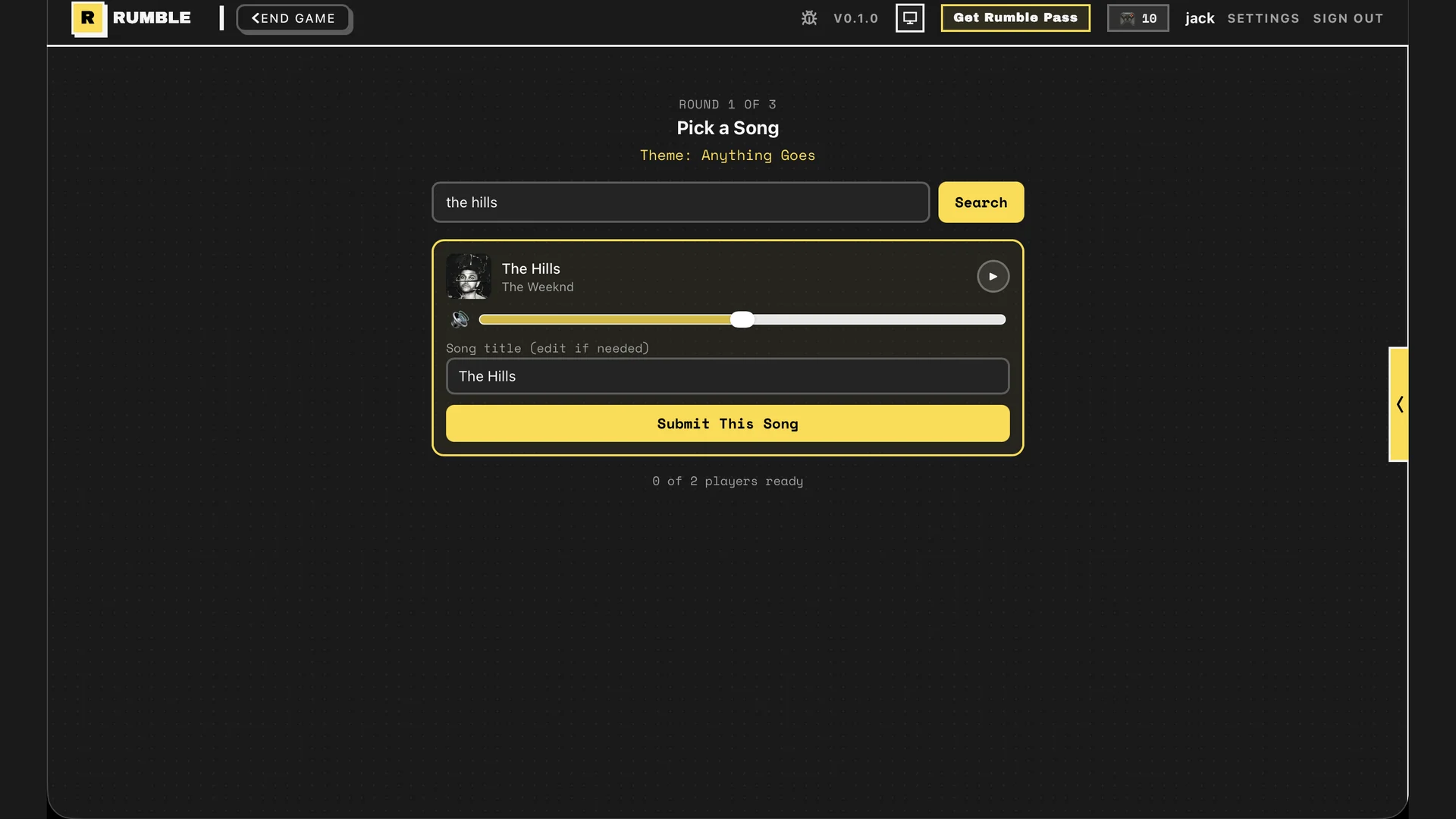
The controls, timer, track search and score live in the Activity. Players do not have to type commands into the channel.
A round is better when every player has a fair chance. Save obscure album tracks for a group that genuinely knows them.
Players hear the same preview in Rumble, so the host does not need to route desktop audio through Discord screen sharing.
Start inside Discord for the shortest route from conversation to game. Use the browser when somebody needs a fallback.